The very first project in cm323: lyrical posters in Adobe Illustrator.
I choose the song “Good News” by Mac Miller. This is Miller’s first posthumous release since his death in September 2018.
Mac Miller was one of my favorite Hip-Hop artists. He was super talented! I hope more and more people get to know him and his works.
“Good News” is also one of my favorite song released in 2020. It is sad but beautiful. The song reveals his thoughts and feelings of him before his death.
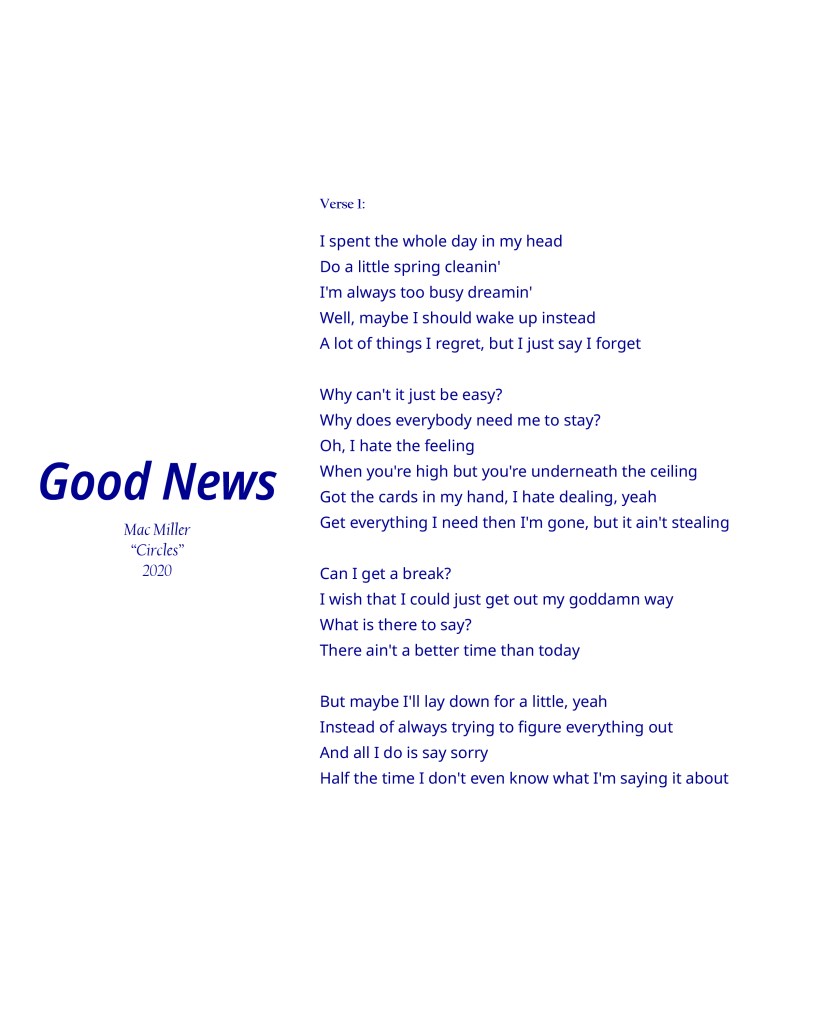
For the first layout, I plan to make it as simple as possible. I stick to my first instict to find different fonts and how they are put inside the layout. I also choose the color of navy because it corresponds to the main tone of the song (navy = blue, and blue = somber & sad).
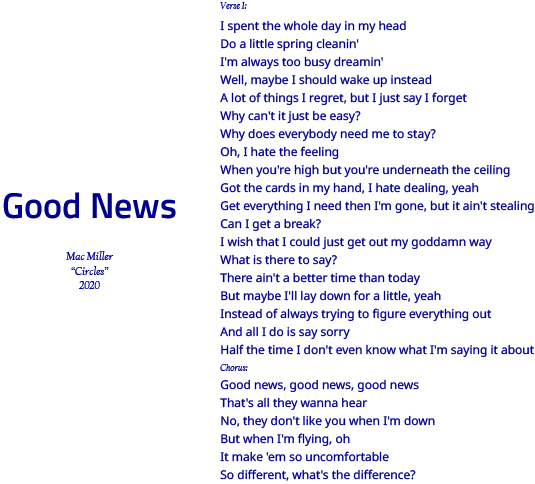
But I realize (and thanks to my teammates and TA help point it out) that first of all, the lyrics are too long and I should cut out the chorus part. Also, I am not 100% satisfied with the fonts. So I make these small changes. The final version looks like this:
For the second layout, we suppose to be bold: break some rules so that we can best express the ideas of the song we choose.
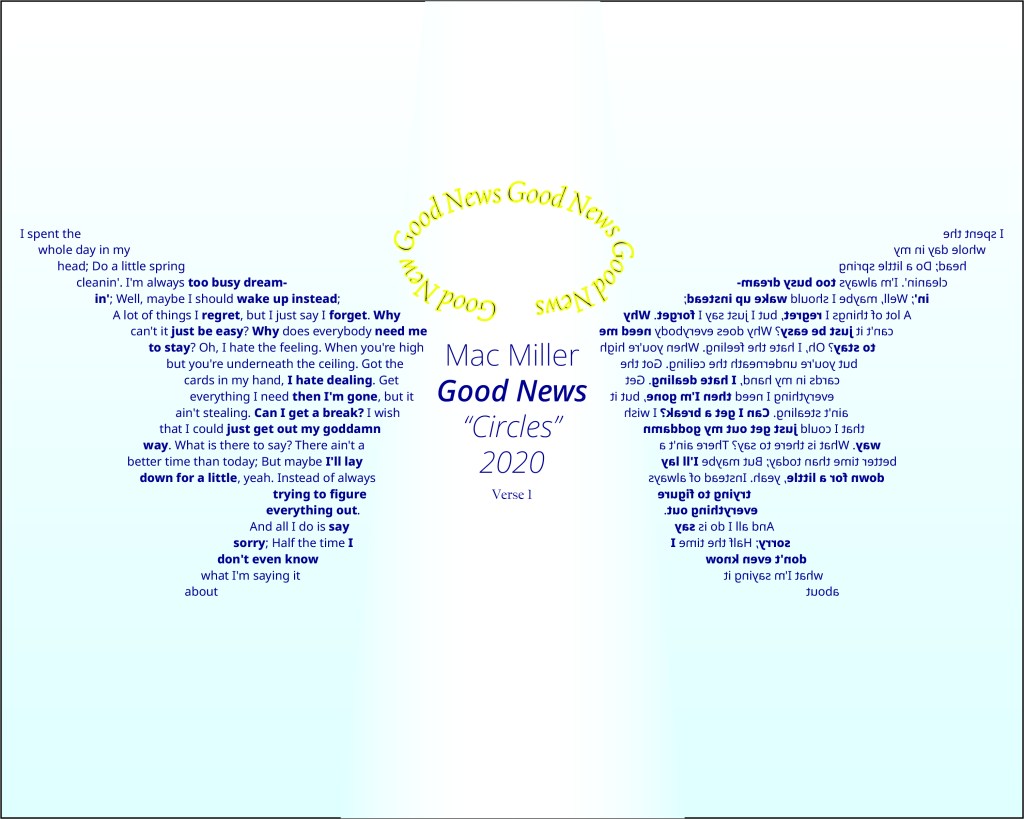
The first idea I have is “angel”. Mac Miller is an angel now.
Therefore, I come up with the image of an angle, and thus the wings and the halo.
I draw a wing, copy & paste, and reflect it so I have two identical wings. I fill in the wing with the lyrics.
For the halo, I put the song title and make it as a halo. I also use the color of yellow on stroke and navy inside.
Thanks to my classmates and Professor K, I make small changes: I add gredient on the background to make it look like a sky. I just simply copy & paste and reflect the wing so they look exactly the same.
The final verison looks like this (it’s sad that I delete the first draft):
This is my very first design work! I hope I can do a good job on project 2.
And rip Mac Miller.
 CM323 Design Sketchbook